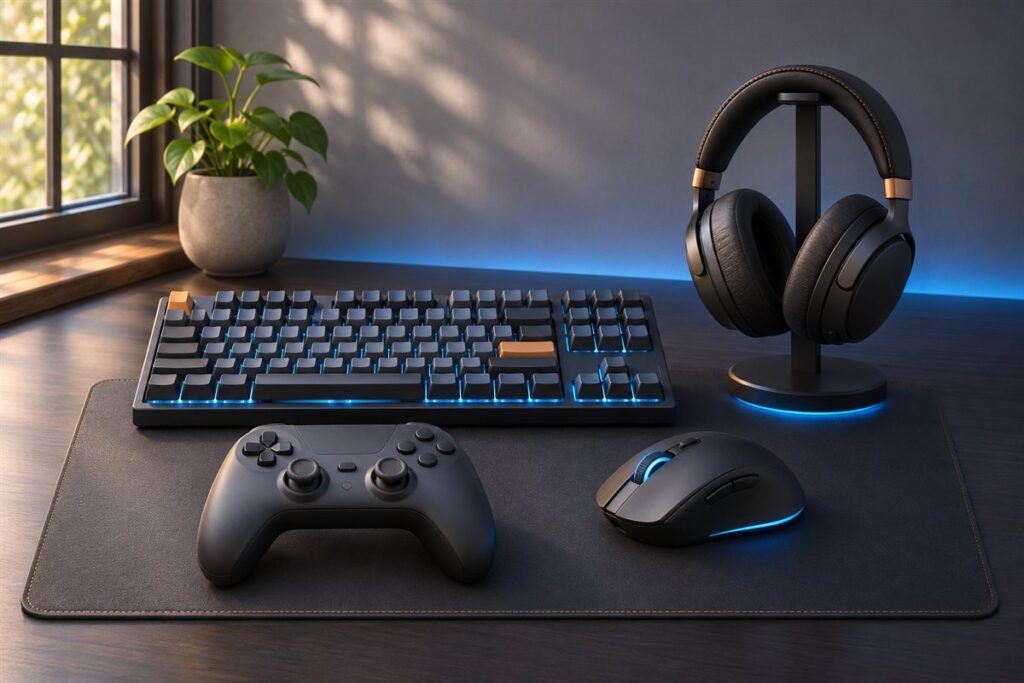
A standing gaming desk raises and lowers so you can change position during long sessions. We have not used these products ourselves, so this guide does not rank anything. It describes the build and features worth comparing so you can match a desk to your setup.
Begin with your gear. Multiple monitors, a tower, a mixer and a chair all affect the size and strength you need. Measure the room and consider how far the desk will sit from the wall, particularly if cables run behind it. Then look at the frame. Dual-motor designs are common, and steel legs with a solid crossbar tend to feel steadier at height. Check the height range the maker lists and see whether it suits both you and your chair. Memory presets save time when changing between positions. Finally, think about the look. Some tops have mouse-friendly surfaces, built-in lighting or cutouts for cables. The table below groups these points into a checklist. Do not overlook power. A gaming setup can fill every socket, so look for a desk with a power strip mount or tray, and keep the surge protector within reach of the cable path. Planning this early keeps the area tidy and avoids stretched cords.
As an Amazon Associate we earn from qualifying purchases. Links on this site are affiliate links, and they do not change the information we give.
What to Look For
| Factor | Why it matters | What to check |
|---|---|---|
| Frame build | A steady frame limits wobble at higher heights. | Look at leg style, crossbar and the maker’s load figure. |
| Motor system | Dual motors usually lift evenly and quietly. | Check motor count, speed and any noise notes. |
| Height range | The range should suit your body and chair. | Compare minimum and maximum heights with your needs. |
| Top size | Monitors and accessories need room. | Compare width and depth with your screens and gear. |
| Presets | Memory buttons recall favorite heights. | Check the number of presets and the controller design. |
| Cable management | Tidy cables avoid snags as the desk moves. | Look for trays, grommets and clips. |
Setup and Care Tips
- Assemble the frame on a flat floor and tighten fixings in the order the guide gives.
- Run cables with slack so nothing pulls as the desk lifts.
- Set the lowest height first and check that nothing hits the floor or wall.
- Wipe the top with a soft cloth and avoid harsh cleaners.
- Check the bolts now and then to keep the frame firm.
Mistakes to Avoid
- Forgetting the weight of a tower or several monitors.
- Leaving cables tight across the lift path.
- Placing the desk too close to the wall.
- Choosing a top too small for your gear.
- Skipping the first bolt check after assembly.
FAQ
Do I need a dual-motor desk?
Dual motors are common and tend to lift evenly under heavier loads. Check the maker’s load figure against your equipment.
What top size suits a multi-monitor setup?
Measure your screens, add room for a keyboard and mouse, and compare to the widths listed. Depth matters too.
Questions to Ask Before You Buy
A standing desk changes how your whole setup fits together, so check these details before you choose.
- How many monitors, towers and accessories need to sit on the top at once?
- What is the lowest and highest height you need, based on your own seated and standing positions?
- Does the floor under the legs allow the frame to sit level, including on carpet?
- Where will cables run, and is there room for a cable tray or management spine?
- Do you want memory presets, and how many people will share the desk?
- Can the packed boxes get through your doors and up your stairs?
Compatibility Checks
| Item | What to confirm |
|---|---|
| Monitor arms | That the desktop thickness and edge suit the clamp or grommet |
| Desktop size | That it clears walls, radiators and chair arms when raised |
| Power outlet | That the cable reaches without stretching as the desk moves |
| Accessories | That headset hooks, cup holders and rails mount to your top |
Matching It to Your Space
Small bedrooms
A compact top and a frame that allows the chair to tuck under help preserve walking space. Check for a wall gap so the rear edge does not hit the wall as it rises.
Dedicated game rooms
A wider top suits multiple screens, but plan the cable path before the desk arrives. Leave extra length so wires do not tug during height changes.
Shared home offices
If more than one person uses it, check that the controller is simple and that the range covers everyone. Read the maker’s manual and instructions on weight limits and assembly.
Mark the highest point on the wall with tape before you order, so you can see how far the desk and screens will reach when raised.
Who Should Skip It
If your space is tight and you rarely change position, a fixed desk with a good chair may be simpler. Adjustable frames add weight, moving parts and a need for outlets, so people who dislike assembly or who move often may prefer a static design with a well chosen height.
Keep the order paperwork and fastener bags together after assembly, since the frame may need a quick check of the bolts from time to time.
Plan the floor space as well. Leave a clear square under the frame so a chair, a footrest or a rug does not catch a leg during height changes.
The Short Version
List your gear, measure the space, and compare frame build, height range, top size and cable options. A steady frame and tidy cables keep movement smooth.