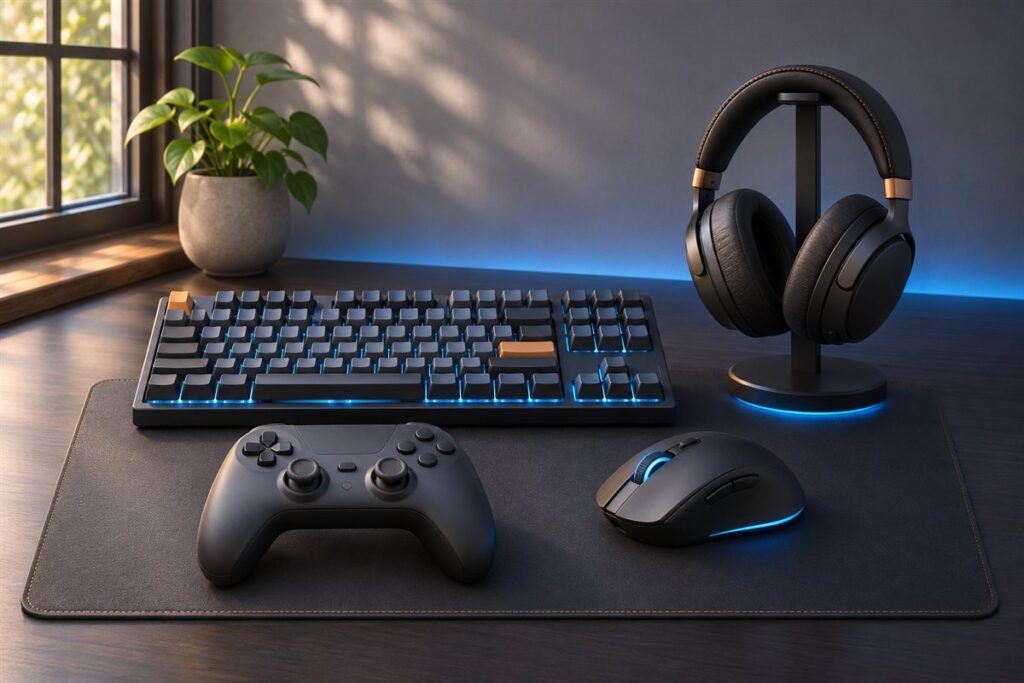
A gaming desk is a work surface built around a computer, a few monitors and a pile of cables. Shapes include straight, L-shaped and corner models, and many add cable trays, headset hooks or lighting strips. The goal of this guide is to help you compare desks by what they are built from and how they fit.
We have not used these products ourselves, so we do not make claims about how a desk holds up over time. Instead we focus on dimensions and features you can check on a listing. Measure the room, count your monitors, and note the gear that must sit on the surface, then go through the checklist below.
As an Amazon Associate we earn from qualifying purchases. Links on this site are affiliate links, and they do not change the information we give.
What to Look For
| Factor | Why it matters | What to check |
|---|---|---|
| Desktop size | Depth and width decide how far monitors sit from you and how much room is left for peripherals. | Measure your monitors, keyboard and mouse area, then compare with the listed size. |
| Shape | L-shaped and corner models add surface but need more floor space than straight ones. | Sketch the room and check which side the return should sit on. |
| Frame and stability | Steel frames with levelers tend to wobble less when you move your arms or a monitor arm is mounted. | Look at leg design, crossbars and the load capacity the maker states. |
| Surface material | Laminate, carbon-look finishes and glass each handle scuffs and cleaning differently. | Read the surface description and the care notes. |
| Cable management | Cables running down the legs look untidy and can be tugged by chairs. | Look for grommet holes, trays or a rear channel. |
| Height options | Fixed height suits some users, while adjustable models fit more people and tasks. | Check the height range and how the desk adjusts, by crank or motor. |
Setup and Care Tips
- Assemble on a soft surface such as the packaging to avoid scratching the top.
- Tighten all fasteners again after a week, since joints can settle.
- Route cables through the tray before plugging in the monitors and tower.
- Use a power strip with surge protection mounted under the desk edge.
- Clean the surface with a soft cloth and a mild cleaner, then dry it.
Mistakes to Avoid
- Buying on looks and then finding the depth is too shallow for two monitors.
- Skipping the weight limit when you plan to mount heavy monitor arms.
- Putting a large corner desk in a room where it blocks a door or vent.
- Letting liquids sit on the surface near the edges and seams.
- Forgetting space for a chair to roll back without hitting a wall.
FAQ
How wide should a desk be for two monitors?
It depends on the monitor sizes, so add their widths and leave room for speakers and a mouse. Many people find a wider top more useful than a deeper one.
Are built-in lights worth having?
That is a matter of taste. They add a visual feature, but they also need a power source and a switch, so check how the strip is wired.
The Short Version
Decide on the number of monitors and the room shape, then compare size, frame and cable features. A steady frame and tidy cable routing do more for daily use than extras.