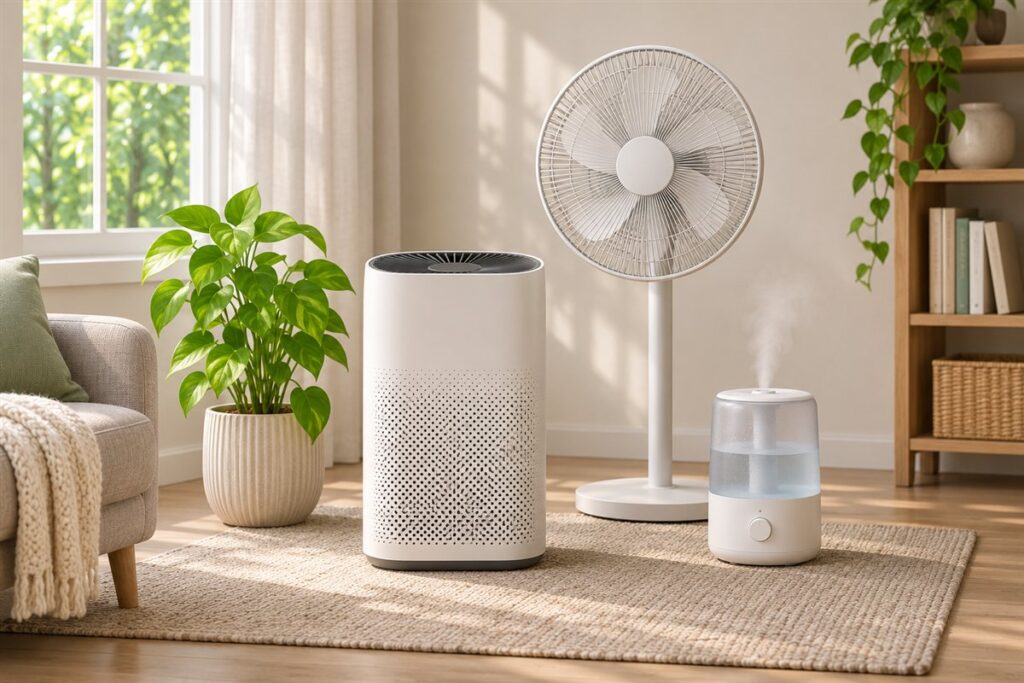
A smart air purifier adds app control, schedules and sensor displays to a basic filter unit. We have not used these products ourselves, so this guide focuses on features and construction only: what the specifications describe, how the connected functions work, and how to match a unit to a room.
Begin with the space. Compare the room size you have with the coverage the maker states, and check how the unit fits among your furniture. Then look at the connected side: which apps and voice assistants it supports, and whether the features need an account. It is also worth reading how the maker describes the fan speeds, the display brightness and the sleep or quiet modes, because these settings decide how the unit fits into a bedroom, an office or a shared living area.
As an Amazon Associate we earn from qualifying purchases. Links on this site are affiliate links, and they do not change the information we give.
What to Look For
| Factor | Why it matters | What to check |
|---|---|---|
| Room coverage | Units are sized for different spaces | Maker’s stated room size and your floor area |
| Filter type | Determines upkeep and ongoing costs | Filter layers described and replacement availability |
| Smart controls | App and voice features vary widely | Supported apps, schedules, assistants |
| Sensor display | Shows what the unit detects | Display type and whether it can dim |
| Noise levels | Matters in bedrooms and offices | Maker’s stated decibel range on each fan speed |
| Footprint and design | Must fit the room and airflow path | Width, height and clearance around the unit |
| Wi-Fi setup | Some only support certain bands | Network requirements in the manual |
Setup and Care Tips
- Place the unit with open space around the intake and outlet.
- Follow the app setup carefully and keep the firmware current.
- Check the filter indicator, and replace filters on the maker’s schedule.
- Vacuum or wipe the outer surfaces as the manual describes.
- Use schedules that match your day so the fan is not running unnecessarily.
Mistakes to Avoid
- Buying for the largest listed room size without checking your own space.
- Pushing the unit against a wall or into a corner.
- Ignoring ongoing filter needs.
- Assuming every smart feature works with every home network.
- Expecting results the maker does not claim.
FAQ
Do I need the smart features?
They add convenience such as schedules and remote control. A simple model with manual dials can suit those who prefer fewer connected devices.
How often are filters changed?
It depends on the model and use. The maker’s manual gives the interval, and many units show an indicator. Check whether replacement filters are easy to find for the model you choose, because a unit without available filters has little long-term value.
The Short Version
Match coverage to your room, compare filter layers, noise and app support, and read the setup requirements. A unit with clear controls and easy upkeep is the one you will keep using. Keep your room measurements nearby while you compare listings, read the maker’s notes on filters and app requirements, and be clear about which connected features you truly want. A modest, well-matched unit is easier to live with than an overbuilt one.