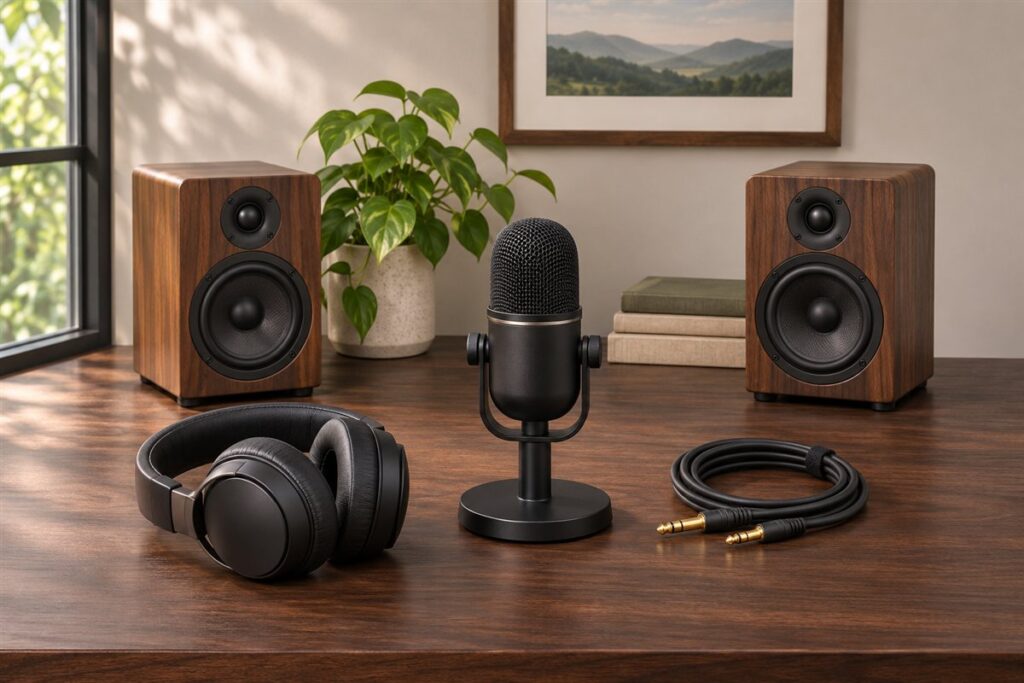
An all-in-one stereo amplifier combines a preamp and a power amp in a single box, with inputs for sources such as a turntable, streamer, TV or CD player. It drives a pair of speakers and often adds extras such as a headphone output, a built-in digital converter or wireless streaming. Models differ in size, features and the way they connect, so a clear picture of your setup makes comparing them much easier and avoids buying features you will never use.
We have not used these products ourselves, so this page is a buying guide and not a verdict on any model. Use the table to compare listings, and read each maker’s specifications for the exact unit. The notes after it cover setup, care and the slips that trip up first-time buyers. Before you shop, write down every source you own, the speakers you plan to use and how far the amplifier will sit from them, because that short list shapes almost every other decision you will make.
As an Amazon Associate we earn from qualifying purchases. Links on this site are affiliate links, and they do not change the information we give.
What to Look For
| Factor | Why it matters | What to check |
|---|---|---|
| Power output | Needs to suit your speakers and room. | Watts per channel at the stated impedance, and the speaker sensitivity you own. |
| Inputs | Decide which sources you can connect. | Analog, optical, coaxial, USB, HDMI ARC, Bluetooth and a phono input if you use vinyl. |
| Digital features | Affect convenience and sound path. | Built-in DAC, streaming support, app control and supported file formats. |
| Speaker outputs | Control how you can set up your system. | Binding posts, A/B speaker switching and a subwoofer output. |
| Controls and display | Daily use depends on layout and clarity. | Remote, knobs, display brightness and tone adjustments. |
| Size and cooling | The unit has to fit your rack or shelf. | Dimensions, weight, ventilation needs and fan noise. |
Setup and Care Tips
- Power everything down before connecting or changing speaker cables.
- Match speaker wire gauge to the run length and keep positive and negative leads correctly paired.
- Leave open space around the vents so the amplifier can shed heat.
- Dust the case with a dry cloth and keep liquids away from the unit.
- Lower the volume before switching inputs or turning the unit on.
Mistakes to Avoid
- Choosing by watts alone without considering your speakers.
- Forgetting to count the inputs you will need, such as a turntable or TV.
- Buying a model without a phono stage when you own a turntable that needs one.
- Stacking gear on top of the amplifier and blocking airflow.
- Ignoring the remote and display, which you will use each day.
FAQ
Do I need a separate DAC?
Many models include one. If you plan to stream or connect digital sources, check which formats the built-in converter supports.
How much power do I need?
It depends on your speakers and room size. Compare the amplifier’s output with the recommended range in your speaker’s manual.
Questions to Ask Before You Buy
- Which speakers will I connect, and what does the maker of those speakers recommend?
- How many sources do I need to plug in: turntable, streamer, TV, or disc player?
- Do I need a phono input, a headphone output, or a subwoofer output?
- Do I want wireless features, or do I prefer a simple wired setup?
- How much shelf space and ventilation room does the cabinet offer?
- Would I like a remote control, or am I happy to adjust it by hand?
Matching It to Your Room
The size and shape of the listening room matter as much as the electronics. A small den and a large open living area place different demands on a system. Consider where you sit relative to the speakers and how much furniture and soft material sits between you.
Think about how you listen. Late-night sessions may call for a good headphone output, while shared spaces may favor a clean look with few cables showing. Plan the cable path in advance and leave breathing room around the unit, as the maker’s manual advises.
Compatibility Checks
| Item | What to confirm |
|---|---|
| Speaker terminals | Binding posts or other connector types |
| Input types | Analog, optical, coaxial, or USB |
| Phono stage | Support for your turntable cartridge |
| Dimensions | Width, depth, and height against your rack |
| Power supply | Voltage listed for your region |
Who Should Skip It
If you only listen through a TV or a wireless speaker, a simple soundbar may suit you better. Follow the maker’s instructions when connecting speakers and sources.
Storage and Seasonal Notes
Give the unit space to breathe. Avoid stacking items on top of it or tucking it into a sealed cabinet, and follow the maker guidance on clearance. Dust the vents with a soft brush when the unit is off and unplugged.
If you move house or store the amplifier for a season, keep the original box and padding if you can. Coil cables loosely rather than tightly, and label each connection with tape so setup is easy later. Dry, room temperature storage is a safer bet than a garage or attic.
Keep a note of your preferred input names and volume habits, plus a copy of the manual. If you plan to add speakers later, check the terminal type and the maker advice before swapping anything.
The Short Version
List your sources and speakers first, then match inputs, power and features. A unit that suits your system and your habits will sound and feel better than one chosen only on headline numbers.