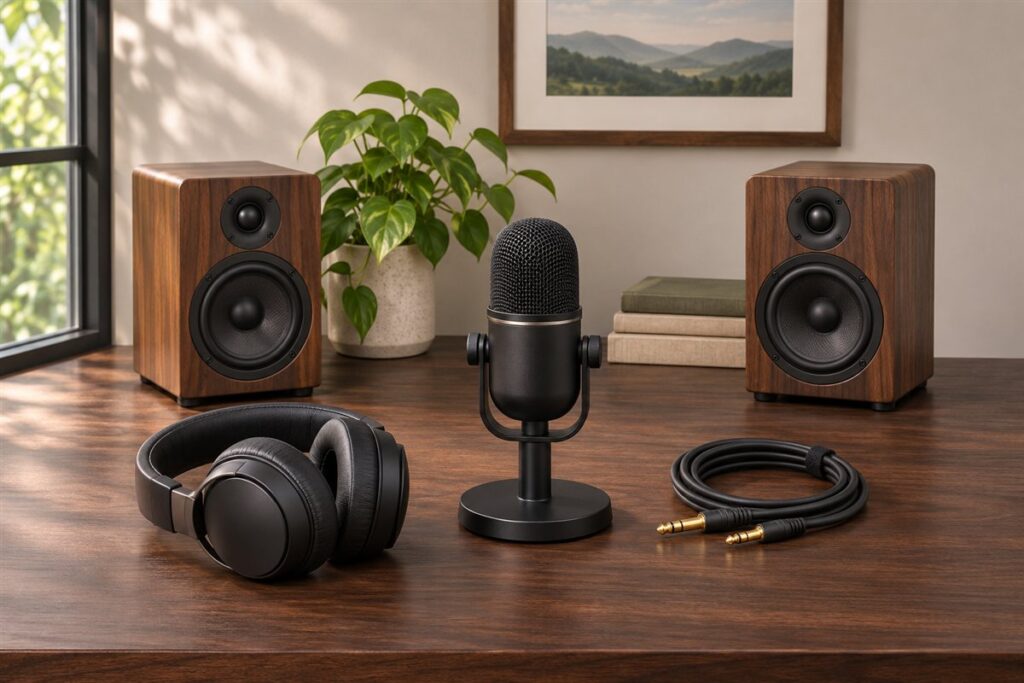
A complete podcast studio setup bundles the gear you need to record speech in one place: microphones, a way to connect them to a computer, headphones, stands and often some sound control for the room. Buying a matched kit saves you from guessing which parts work together, but kits differ a great deal in what they include and how far they can grow.
We have not used these products ourselves, so nothing here is a claim of personal results. This guide shows how to choose by looking at the parts of a kit, the number of voices you plan to record and the room you will record in, so you can judge each listing against your own needs.
As an Amazon Associate we earn from qualifying purchases. Links on this site are affiliate links, and they do not change the information we give.
What to Look For
| Factor | Why it matters | What to check |
|---|---|---|
| Microphone type | Dynamic models tend to pick up less room noise, while condenser models capture more detail in a quiet space. | Match the type to your room and look at the polar pattern listed by the maker. |
| Connection | USB is simple for one voice, while XLR needs an interface but allows more mics and upgrades. | Count how many guests you will record and check the number of inputs. |
| Headphones | Closed-back designs reduce sound leaking into the microphone while you monitor. | Check cable length, comfort for long sessions and whether the cable detaches. |
| Stands and arms | A boom arm keeps the mic close to your mouth and off the desk, away from keyboard thumps. | Look at reach, clamp type and whether a shock mount and pop filter are included. |
| Room treatment | Hard walls create echo that no microphone can remove afterward. | See whether foam panels, a reflection shield or a mic cover are part of the kit. |
| Software and extras | Included editing software or cables can save time and avoid extra purchases. | Read the contents list and note which cables and adapters are included. |
Setup and Care Tips
- Record in the smallest, softest room you have, such as a closet or a room with a rug and curtains.
- Place the microphone a few finger widths from your mouth and keep that distance steady.
- Record a short sample and listen with headphones before every long session.
- Coil and label cables loosely instead of wrapping them tightly around gear.
- Keep pop filters and foam covers clean and store the microphone in a dust cover.
Mistakes to Avoid
- Buying a multi-mic kit when you will only ever record one voice, or the reverse.
- Ignoring the room and expecting the microphone alone to fix echo.
- Choosing open-back headphones for monitoring in a shared space.
- Forgetting that some computers need an adapter for the kit’s connector.
- Skipping a shock mount and letting desk bumps travel into the recording.
FAQ
Is USB or XLR better for a podcast?
USB is the simpler route for a solo host and needs no extra hardware. XLR with an interface takes more setup, yet it lets you add guests and swap parts later, which suits shows that plan to grow.
Do I need acoustic foam?
Some form of sound control helps, but it does not have to be foam. Soft furnishings, rugs and a smaller room all reduce echo. Panels and reflection shields add to that if the room is still lively.
The Short Version
Pick the kit that matches how many voices you record, the room you have and how much you want to expand later. Check the contents list closely, confirm the connections suit your computer, and treat the room as part of the setup.